Help make your neighbourhood greener and get a cash rebate.
Western Australians wanting to make their neighbourhood greener can purchase up to five native trees for their backyard and claim a rebate, with the second year of Treebate now open.
After a successful first year supporting the planting of more than 10,000 trees across WA yards, Treebate has expanded in its second year to include the purchase of up to five native trees, worth a total of $150.
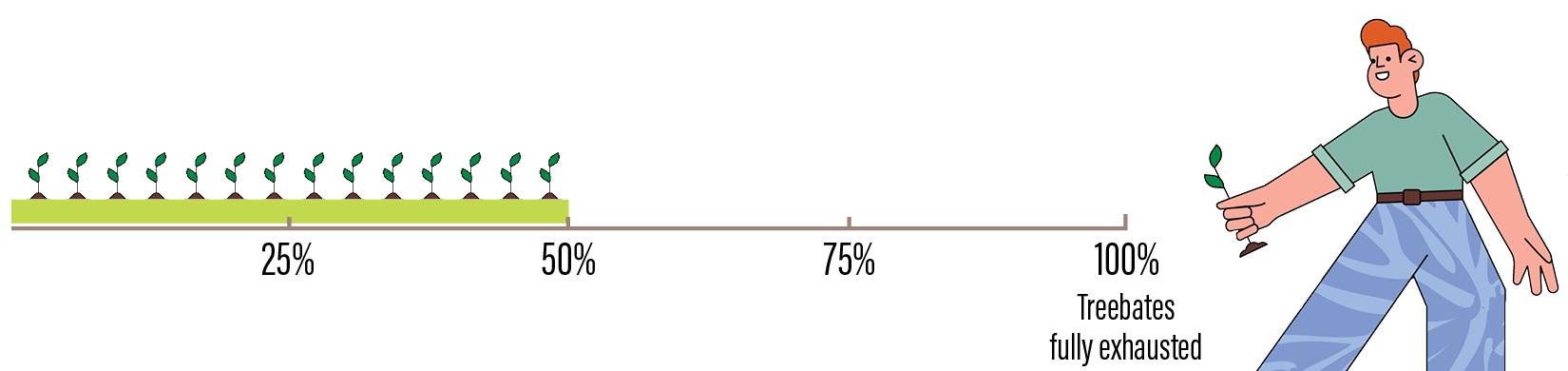
Anyone who made a claim in year one of Treebate is also eligible to claim in year two, with a further 10,000 Treebates now available to claim.
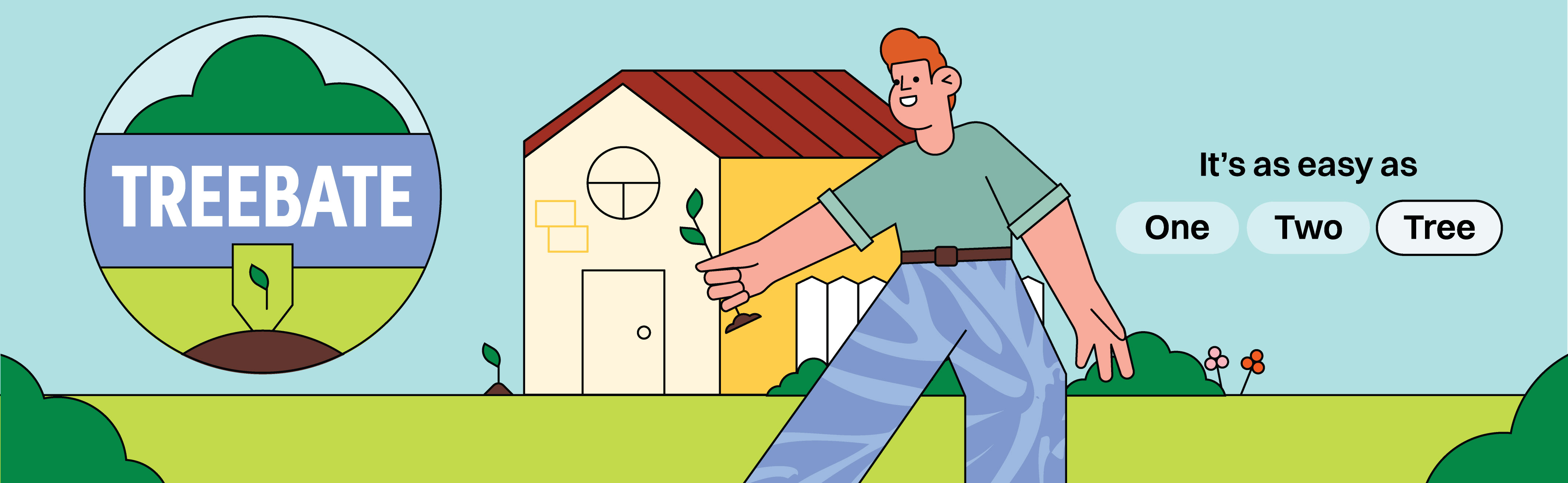
It’s as easy as One, Two, Tree.
One: Buy up to five trees. Two: Plant your trees. Tree: Make a claim via ServiceWA.
And don’t forget you’ll need to keep your tax invoice and a photo of the plant label/s to get your rebate. All purchases must be on a single itemised tax invoice.
The State Government is committed to strengthening WA’s urban canopy for the future.
Eligibility
All Western Australians aged 18 years and over are eligible to claim up to five native trees per program year.
Requirements for making a claim
To submit a claim you will need:
- A photo of the plant labels showing the scientific or common name of the trees purchased,
- A valid tax invoice that shows the retailer’s Australian Business Number (ABN), the receipt number, itemised trees purchased, purchase date and total amount paid. All purchases must be on a single itemised tax invoice.
- 100 points of personal identification.
Live Treebate counter
How to claim
The ServiceWA app is the fastest, most secure and most convenient way to claim Treebate.
Please visit the ServiceWA Current offers webpage for more information on setting up a ServiceWA account and claiming the Treebate offer via the ServiceWA app.
If you need help setting up your Digital ID, please watch ServiceWA step-by-step videos, and resources and translations. You can also ask for support through ServiceWA Customer Care on 13 33 92 (open 24/7) or support@digital.wa.gov.au (open 8.30am-4.30pm, weekdays).
Alternative claim methods
If you are unable to claim through the ServiceWA app, you can claim via an online form. You will need to provide copies of your plant labels, a single valid tax invoice and copies of your identity documents to meet 100 points of ID from the examples provided.
To protect yourself from scams, submit your online Treebate claim only through this official WA Government Treebate webpage. Do not provide your personal information or supporting documents through any other website, email link, advertisement or social media post claiming to offer Treebate rebates.
Alternatively, if you are unable to claim via ServiceWA or the online form, you may contact treebate@dwer.wa.gov.au to obtain a paper claim form. Please state whether you would like to receive a form emailed as a PDF to print at home, or posted in the mail. You will need to mail your completed form with copies of your 100 points of identification, plant label/s, and a single itemised tax invoice to:
Treebate
Waivpay Limited
PO Box R1691
Royal Exchange NSW 122.
Claims made through the online form or paper claim form will take up to 30 business days from the date they are received for a payment to be processed, and will receive email updates from no-reply@waivpay.com to their nominated email address.
Collection notice
DWER collects and uses the personal information you provide to process your request or form, in line with the Privacy and Responsible Information Sharing Act 2024 (WA) and the DWER Collection notice.
Help
Please direct any queries to ServiceWA Customer Care on 13 33 92 (open 24/7) or support@digital.wa.gov.au (open 8.30am-4.30pm, weekdays).